
If you want Chinese gadgets you can confidently repurchase for a Mac setup, prioritize certified USB‑C cables and hubs with clear power limits, stable thermals, and predictable after-sales support. The best "repeat-buy" choices are usually boring: reputable OEM brands, conservative specs, and a fit-for-purpose hub layout for your workflow in Thailand.
Best Repeat-Buys at a Glance
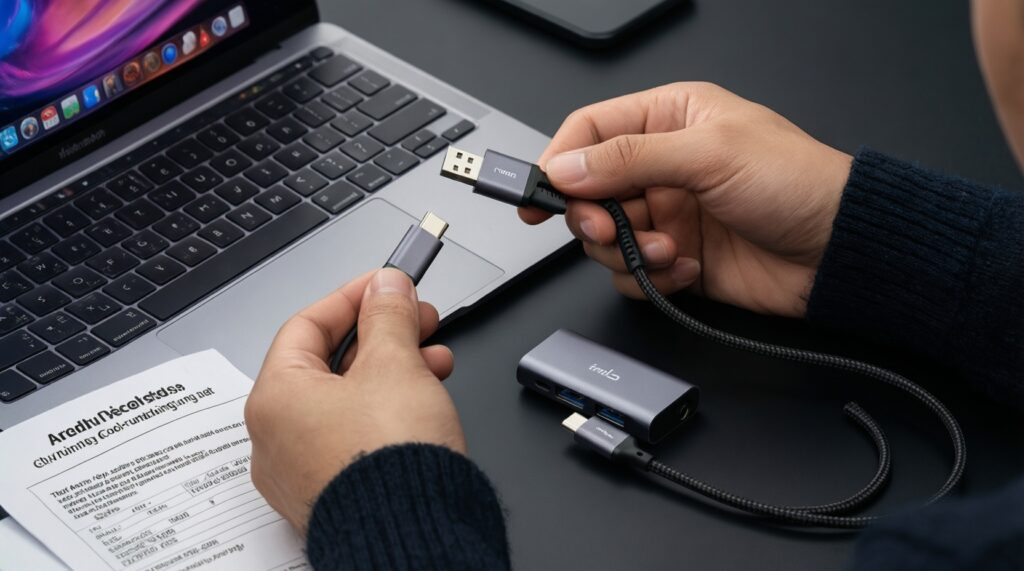
- Buy USB‑C cables by verified capability (USB2 vs 10/20/40Gbps, 60W vs 100W/240W), not by looks or "fast charge" labels.
- For MacBook hubs, prioritize a cool-running PD pass-through and a layout that matches your ports (HDMI, SD, USB‑A, Ethernet).
- Choose sturdier builds: braided cable + long strain relief; hub with aluminum shell + proper ventilation.
- Prefer conservative feature sets over "everything-in-one"; fewer controllers usually means fewer failures.
- For Thailand usage, pick sellers with easy returns; "warranty" without local handling is rarely practical.
- Match to persona: road warrior (compact + heat control), creative pro (SD/HDMI stability), budget buyer (USB2 + 60-100W only).
Why Chinese Chargers and Cables Now Rival OEMs
- Published power profile: For charging, look for explicit PD ratings (e.g., 60W/100W/240W) and supported protocols; avoid vague "super fast" labels. Action: only buy listings that state wattage and PD support clearly (สายชาร์จ USB-C คุณภาพดี ราคา searches often surface vague listings-filter them out).
- Correct USB speed tier: Many "USB‑C" cables are USB 2.0 data-only (fine for charging, slow for SSD). Action: if you use external SSDs, require 10/20/40Gbps on the spec line.
- E‑Marker presence for high power: For 100W+ cables, the cable should be e‑marked. Action: don't use unmarked cables for high-power MacBook charging.
- Connector metallurgy and fit: Loose Type‑C plugs damage ports over time. Action: if the plug wobbles in your Mac, stop using it.
- Strain relief and jacket quality: Most cable failures start at the plug. Action: prefer long, flexible strain relief; bend-test before committing as a "buy again" item.
- Thermal design in hubs/chargers: Thin plastic shells trap heat. Action: choose aluminum housings for hubs; for chargers, prefer models known for lower operating temperature (even if slightly larger).
- Controller choice and feature honesty: "8K HDMI + 2.5GbE + 10Gbps on everything" at a too-low price usually means compromises. Action: treat extreme spec stacks as risk.
- Seller support and return path: A cheap hub becomes expensive if you can't return it. Action: prioritize platforms/sellers with straightforward local returns in TH.
Durability Metrics: What to Test Before You Buy
Use the table below to compare common "Chinese repeat-buy" options by what you can actually verify at home: heat, stability, fit, and spec honesty. Then do a quick acceptance test in your first week (power + data + display, under load).
| Variant | Who it fits | Pros | Cons | When to choose |
|---|---|---|---|---|
| USB‑C charging cable (60-100W, USB 2.0 data) | Budget buyer, daily commute | Cheapest reliable category; usually thicker conductors; easy to replace; good for "สายชาร์จ USB-C คุณภาพดี ราคา" shopping | Slow data; not ideal for SSDs; marketing often hides USB2 limitation | Choose for charging-only setups, power banks, and spare bag cables |
| USB‑C full‑feature cable (10/20Gbps + high wattage) | Creative pro, external SSD users | One cable for dock/SSD/charging; fewer swaps reduces wear; typically better plug build | More expensive; fakes exist; thicker/less flexible | Choose when you regularly move projects via SSD or use a single-cable desk setup |
| USB‑C to MagSafe‑style magnetic adapter (third‑party) | Road warrior, café user | Reduces trip hazards; protects port from sudden yanks | Extra contact points can heat up; may limit wattage; can interfere with data/Alt‑Mode | Choose only for charging (not hub/dock use) and monitor temperature in the first days |
| Compact USB‑C hub (PD pass‑through + HDMI + USB‑A) | Road warrior, student | Single small device; good for meeting rooms; common choice in "ฮับ USB-C สำหรับ MacBook แนะนำ" searches | Can run hot; HDMI flicker risk on cheap controllers; port crowding | Choose for presentations and light peripherals; avoid stacking high-speed storage + 4K display on the cheapest units |
| Desktop USB‑C dock (separate power, more ports) | Creative pro, home studio | Better sustained thermals; cleaner cabling; more stable Ethernet/SD/USB layouts | Less portable; higher cost; more to troubleshoot | Choose when you want consistent desk reliability more than compactness |
| Multiport GaN charger (2-4 ports) | Road warrior, minimalist | One charger for Mac + phone; usually smaller than older silicon chargers | Port-sharing behavior can be confusing; hot-running models exist | Choose when you understand power distribution and can accept dynamic re-negotiation |
Acceptance tests you can do in 10 minutes
- Heat check: Run charging + the heaviest task you do (video export, gaming, large file copy). If the hub/adapter becomes uncomfortably hot, downgrade features or switch model.
- Wiggle test: Slightly move the plug during charging and data transfer. Any disconnects indicate a poor connector or worn port.
- Display stability: If using HDMI, watch for flicker, black screens, or audio dropouts for at least 15 minutes.
- Power negotiation: Confirm Mac charges consistently under load; intermittent charge-start/stop is a red flag.
Top USB‑C Hubs for Mac Power and Data - Comparative Picks
Instead of chasing a specific model name (which changes often across marketplaces), pick a hub class that matches your ports and thermal needs. This approach also helps when you're trying to "ซื้อฮับ USB-C จีน ราคาถูก คุณภาพดี" without getting burned by spec inflation.
- If you present on projectors/TVs often, choose a compact hub with HDMI + PD pass‑through + at least one USB‑A, and avoid hubs that claim every port is "10Gbps" without stating controller details. Action: test HDMI stability during a full meeting-length session.
- If you edit photos/video, choose a dock or a higher-tier hub with reliable SD/microSD behavior and enough USB bandwidth. Action: prioritize a unit that stays cool during sustained file copies.
- If you rely on wired internet, choose a hub with Gigabit Ethernet and an aluminum shell; overheating often causes dropouts. Action: run a long download/upload and check for disconnects.
- If you use external SSDs daily, don't share one cheap hub for SSD + 4K HDMI + charging. Action: either get a better dock or split: one cable for SSD, another for display.
- If you want "just works" for MacBook, avoid no-name hubs with extreme port counts. Action: pick fewer ports but better stability; this aligns with buying อุปกรณ์เสริม MacBook ทนทาน คุ้มค่า.
Persona picks (hub-focused)
- Road warrior: Compact aluminum hub with PD + HDMI + USB‑A; carry a second simple charging cable as backup.
- Creative pro: Desktop dock or higher-tier hub that stays cool under sustained SD/SSD transfers; prioritize stability over port count.
- Budget buyer: Basic hub for HDMI + USB‑A only; keep storage direct to Mac when possible.
- IT/ops practical: Hub with Ethernet and predictable behavior across different meeting-room displays; test and standardize one known-good class.
Accessory Ecosystem: MagSafe Alternatives, Adapters, and Docks
- Map your "daily attach" set: charging only, charging + display, or charging + display + storage. Pick accessories per set, not per impulse.
- Decide where heat must be lowest: If you already run hot (tropical commutes, long renders), avoid stacking adapters (magnetic tip + hub + PD). Choose one solid hub or one direct cable.
- Choose the single highest-risk link and upgrade it: Usually the hub/controller, not the cable. Upgrade that first.
- Keep magnetic adapters limited to charging: Treat them as convenience, not a universal connector. This reduces weird data/display issues.
- Standardize cable types: One charging-only cable spec for spares, one full-feature cable spec for desk. This answers "ซื้อสายชาร์จ USB-C จีน ยี่ห้อไหนดี" with a repeatable rule: buy by spec tier.
- Verify return path before buying: If you cannot return easily, don't buy bleeding-edge combos (high-res HDMI + lots of USB + cheap price).
Value Analysis: Price, Warranty, and Long-Term Reliability
- Overbuying specs you don't use: Paying for 40Gbps/8K when you only charge and use USB‑A wastes budget and can increase heat. Buy to your actual workload.
- Assuming all USB‑C cables are equal: Many are charge-only or USB2. Always match cable class to use (SSD vs charging).
- Confusing "PD support" with "full power": A hub can claim PD but bottleneck wattage or behave inconsistently. Treat first-week testing as mandatory.
- Choosing the cheapest hub for everything: SSD + HDMI + charging on a bargain hub is the fastest path to random disconnects.
- Ignoring thermal behavior: Heat is a durability killer. If it runs hot in air-conditioned room, it will struggle in a backpack in Thailand.
- Chasing too many ports: More ports means more controllers and failure points. Prefer the smallest set that matches your workflow.
- Believing "warranty" without logistics: A long warranty is less valuable than an easy local return/exchange process.
- Not budgeting for a spare: One spare charging cable in your bag prevents panic buys at inflated prices.
Buying Guide by Use Case: Travel, Studio, and Daily Commute
Best for travel (road warrior): a compact aluminum USB‑C hub with PD + HDMI plus a separate 60-100W charging cable as a backup. Best for a studio (creative pro): a cooler-running desktop dock or higher-tier hub paired with a full‑feature USB‑C cable for SSD workflows. Best for daily commute (budget buyer): a durable charging-only cable and a simple hub for occasional HDMI/USB‑A, upgrading the hub first when issues appear.
Practical Answers to Common Purchase Doubts
Can I trust "fast charge" labels on cheap USB‑C cables?
No. Trust explicit PD wattage and cable class (charging-only vs high-speed data), then confirm stable charging under load on your MacBook.
Why does my hub get hot even when it "works"?
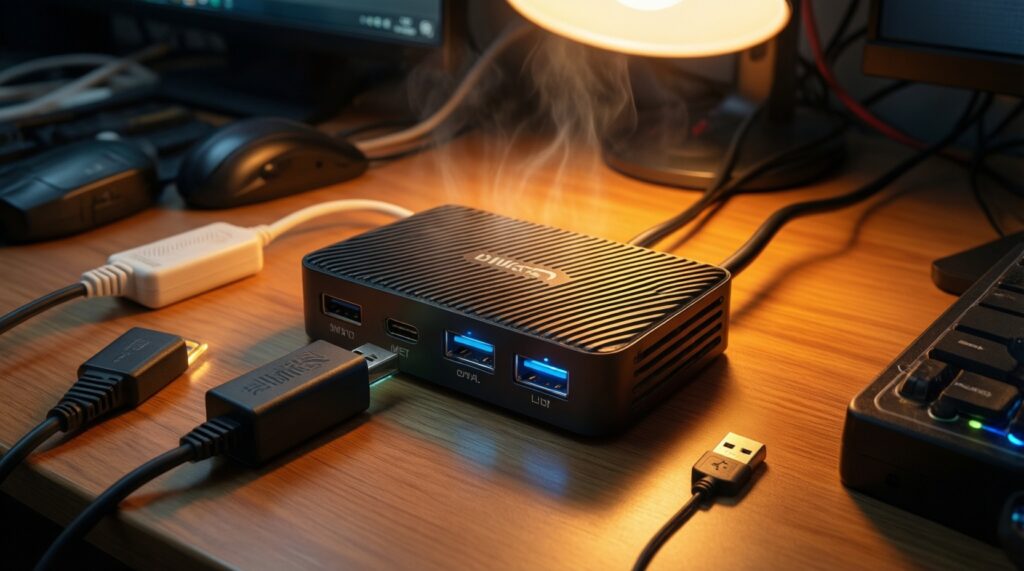
Power delivery conversion and display/data controllers generate heat. If it becomes uncomfortably hot, reliability usually degrades over time-switch to a cooler-running hub/dock class.
Do I need a full-feature USB‑C cable for everyday MacBook charging?
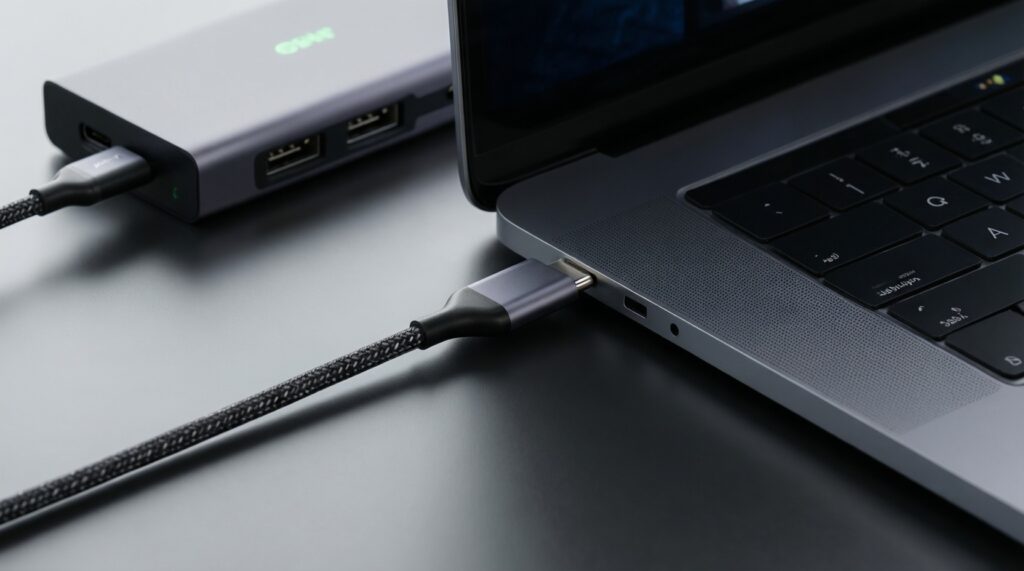
Not necessarily. A high-quality 60-100W charging cable is enough for charging; use full-feature cables mainly for SSD/dock single-cable workflows.
Is a magnetic USB‑C adapter a safe MagSafe alternative?
It can be convenient for charging, but it adds contact points and may limit power or run warm. Keep it for charging only, not for hubs/displays.
What's the simplest way to avoid buying the wrong USB‑C hub?
Buy for your exact ports: HDMI, SD, Ethernet, and how many USB‑A you truly need. Avoid extreme port-count hubs at suspicious prices even if reviews look good.
How do I decide between a compact hub and a desktop dock?
Pick a compact hub for meetings and light peripherals; pick a desktop dock for sustained workloads (SSD transfers, stable Ethernet, long monitor sessions) and better thermals.
Which is the safest "repeat-buy" strategy for Chinese accessories?
Standardize on two spec tiers: one charging-only cable for spares, one proven hub class for your workflow, and replace only with the same tested tier when reordering.