
Choose an exercise wristband by matching sport modes to your training, then deciding whether you need built-in GPS, the right water rating, and durability for daily wear. For most intermediate users in Thailand, the best pick is the one with accurate heart-rate tracking, the sport modes you actually use, at least 5 ATM (if you swim), and battery life that fits your weekly routine without constant charging.
Essential selection checklist
- List your top 3 workouts and confirm the band has dedicated modes (not just a generic "Other").
- Decide GPS type: phone-connected GPS is fine for casual runs; built-in GPS is better for independent outdoor sessions.
- Pick water rating based on use: IP68 for rain/sweat; 5 ATM for pool; 10 ATM only if you truly need higher pressure tolerance.
- Check durability: raised bezel or recessed glass, solid strap lugs, and a clasp that won't pop open during intervals.
- Battery target: the band should cover your longest week (training + sleep tracking) with margin.
- Confirm app compatibility (iOS/Android), data export, and sensor set (HR, SpO2, GPS, altimeter if needed).
Which sport modes matter for your training
If you're asking เปรียบเทียบสายรัดข้อมือออกกำลังกาย โหมดกีฬา, focus on mode quality rather than mode count. The modes that matter are the ones that change metrics and algorithms (pace/laps/intervals) and support your routine. Skip "100+ modes" if they're just labels without distinct tracking.
Who it fits: runners/walkers, gym-goers using timed sets, cyclists, swimmers (pool), and anyone who wants structured logs without carrying a phone constantly.
When not to over-optimize: if you only need step counting and basic HR during casual activity, paying extra for deep sport modes and GPS won't improve outcomes.
| Use case | Sport modes to prioritize | GPS type to consider | Water rating target | Battery expectation (how to judge) |
|---|---|---|---|---|
| Gym (strength/HIIT) | Strength, HIIT, interval timer, recovery | No GPS needed (optional phone GPS for outdoor warmups) | IP68 or 5 ATM | Should handle multiple short sessions + always-on notifications |
| Running (outdoor) | Run with splits, auto-pause, cadence (if available) | Built-in GPS preferred; phone GPS acceptable for casual | IP68 or 5 ATM | Must last your longest run with GPS on plus daily tracking |
| Cycling (outdoor) | Cycling, speed/route, auto-lap | Built-in GPS strongly preferred | IP68 or 5 ATM | Route tracking should not force charging mid-ride |
| Swimming (pool) | Pool swim, lap counting, stroke detection (if present) | No GPS needed for pool; open-water needs GPS | 5 ATM minimum | Water use shouldn't require daily charging |
| General wellness | Walking, sleep, stress, basic workout | None or phone-connected | IP68 | Prefer longer intervals between charges to stay consistent |
- Confirm the 3 modes you'll use weekly are "first-class" (splits/laps/interval support).
- Check whether the band tracks HR continuously during your chosen modes (not just periodic sampling).
- Look for auto-detection only as a convenience, not a replacement for real workout modes.
GPS and positioning: accuracy versus battery trade-offs
If your question is สายรัดข้อมือออกกำลังกาย มี GPS ราคา, translate it into a decision: do you need independent GPS (band-only) or is connected GPS (using your phone) enough? Built-in GPS improves convenience and usually gives more consistent tracks when you leave the phone behind, but it can reduce battery significantly during long outdoor sessions.
What you need before choosing
- Your typical outdoor environment: open sky, urban streets with tall buildings, parks with tree cover.
- Your longest GPS session duration per week (one long run/ride matters more than many short ones).
- Your phone habits: always carrying it, or often training phone-free.
- Your tolerance for charging frequency (daily vs every few days).
Practical GPS decision rules
- Pick connected GPS if you always carry your phone and mainly want pace/distance logs.
- Pick built-in GPS if you run/cycle without a phone, train in areas where phone GPS can be inconsistent, or want cleaner route maps.
- Avoid paying extra for "GPS" wording unless the spec explicitly states built-in GNSS (GPS/GLONASS/Galileo/BeiDou); otherwise it may mean phone-assisted.
- Confirm whether GPS is built-in (GNSS) or phone-connected in the spec sheet.
- Check if the device supports multi-constellation GNSS (helpful in mixed environments).
- Estimate battery impact: assume GPS sessions are the "worst-case" drain and plan around your longest session.
Build materials and shock resistance for everyday use
Preparation mini-checklist (before you decide)
- Measure your wrist and check strap length range (small wrists often need shorter straps).
- List your "impact risks": kettlebells, barbell contact, scooter/motorbike commuting, manual work.
- Decide if you wear it 24/7 (sleep tracking) or only for workouts (comfort matters less).
- Identify skin sensitivity (silicone vs fabric/nylon straps).
-
Inspect the case and screen geometry
Prefer a raised bezel or slightly recessed glass so the screen doesn't take the first hit on doorframes and weights. Flat-edge screens look premium but often scratch sooner in daily gym use.
- Look for a lip around the display, not a completely flush face.
- Check if a screen protector is officially supported or easy to find locally.
-
Evaluate strap attachment and clasp security
Many failures happen at the strap lugs or quick-release pins, not the electronics. Choose a design that won't pop off under sweat and rapid wrist movement.
- Prefer robust pins/lugs and a clasp that fully locks, not friction-only.
- Consider buying a spare strap early if the model uses a proprietary connector.
-
Choose materials for your training environment
Silicone straps handle sweat and rain well; nylon can be more comfortable for sleep but may hold moisture longer. Metal cases resist scuffs but can feel heavier during high-rep workouts.
- If you do HIIT: prioritize light weight and secure fit.
- If you commute daily: prioritize scratch resistance and button durability.
-
Check buttons, haptics, and touch usability under sweat
A touchscreen alone can be frustrating when your hands are wet. At least one physical button improves workout control (pause/lap) and reduces mis-taps.
- Confirm you can start/pause workouts reliably with wet fingers.
- Verify vibration strength is noticeable outdoors.
-
Do a "real-life wear" fit test
Fit affects HR accuracy and comfort. The sensor should sit flat; the band should not slide during intervals.
- During workouts: slightly tighter than daily wear.
- For sleep: slightly looser to avoid pressure marks.
- Prefer a protective screen geometry (raised bezel/recessed glass) if you lift weights or work with hands.
- Confirm strap security and availability of replacement straps in Thailand.
- Ensure at least one physical control (button) for sweaty conditions.
Water-resistance ratings explained: swim-ready to splash-proof
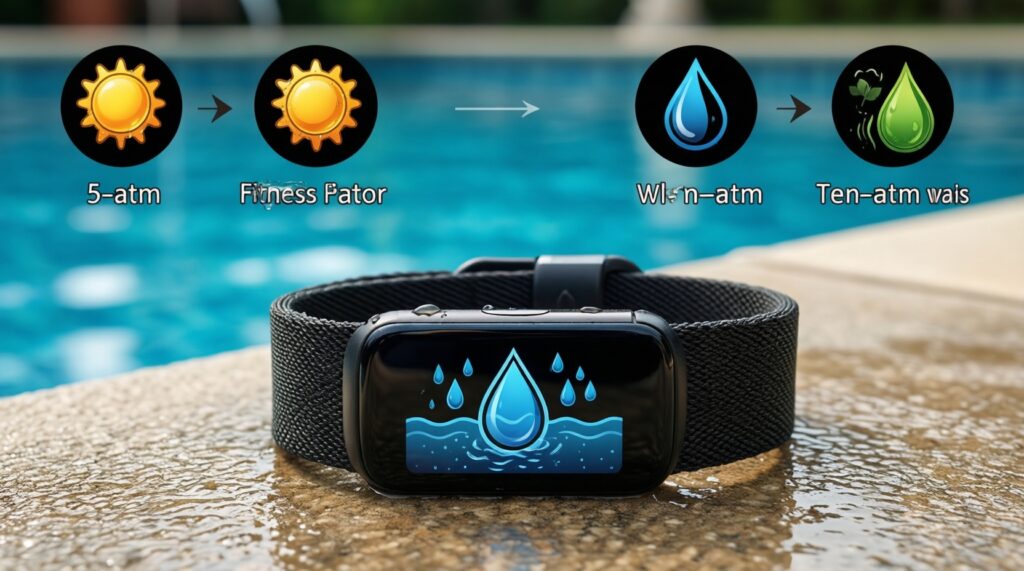
The query สายรัดข้อมือออกกำลังกาย กันน้ำ 5ATM 10ATM ต่างกัน is about pressure tolerance and intended use, not "deeper is always better." IP ratings describe dust/water ingress tests; ATM ratings relate to pressure and are commonly used for swim readiness. For most users: IP68 is for rain/shower caution; 5 ATM is the safer baseline for pool swimming; 10 ATM is for higher-pressure situations but still not a guarantee for every water sport.
Result check (use this checklist before buying)
- The rating is explicitly stated as IP68, 5 ATM, or 10 ATM (not just "waterproof").
- Your use matches the rating: pool swimming → 5 ATM or higher.
- The brand states swimming support if you plan to swim (some devices are rated but exclude swim workouts).
- You understand limits: hot showers/saunas and high-pressure jets can stress seals even on water-rated devices.
- Buttons/rotating crowns have guidance for underwater use (some must not be pressed in water).
- Charging port design makes sense: covered pins/contacts should be dried fully before charging.
- There is a clear warranty stance for water damage in your region (Thailand sellers vary).
- Pool chemicals and saltwater guidance is stated (rinse recommendations matter for longevity).
- Choose 5 ATM minimum if you swim; IP68 alone is a "splash/rain" comfort zone for many models.
- Follow the manufacturer's rules about pressing buttons underwater.
- Always dry the device and contacts fully before charging after water exposure.
Battery performance in real-world training cycles
If you're searching สายรัดข้อมือออกกำลังกาย ทนทาน แบตอึด ยี่ห้อไหนดี, treat battery as a workflow decision: how often you'll accept charging, and whether your longest GPS session fits. Battery life shrinks with always-on display, continuous HR, frequent notifications, and GPS workouts.
Common battery mistakes to avoid
- Assuming "up to" battery claims match your settings (GPS + high brightness is the real drain).
- Turning on always-on display and expecting multi-day life without compromise.
- Using maximum screen brightness outdoors all the time instead of auto-brightness.
- Leaving continuous SpO2 or frequent stress sampling enabled when you don't use the data.
- Running GPS workouts while also streaming music/control features that increase power draw.
- Allowing too many app notifications (each vibration + screen wake costs power).
- Charging immediately after swimming without drying contacts (can cause charging issues that feel like "bad battery").
- Ignoring cold/heat effects during outdoor training; extreme conditions can reduce effective runtime.
- Judge battery by your "worst week": longest GPS session + your typical notification load.
- Prefer models that let you disable features granularly (AOD, SpO2, stress, auto-detect).
- Plan a consistent charging routine (e.g., during shower) to keep sleep tracking uninterrupted.
Sensors, platform compatibility and app data quality
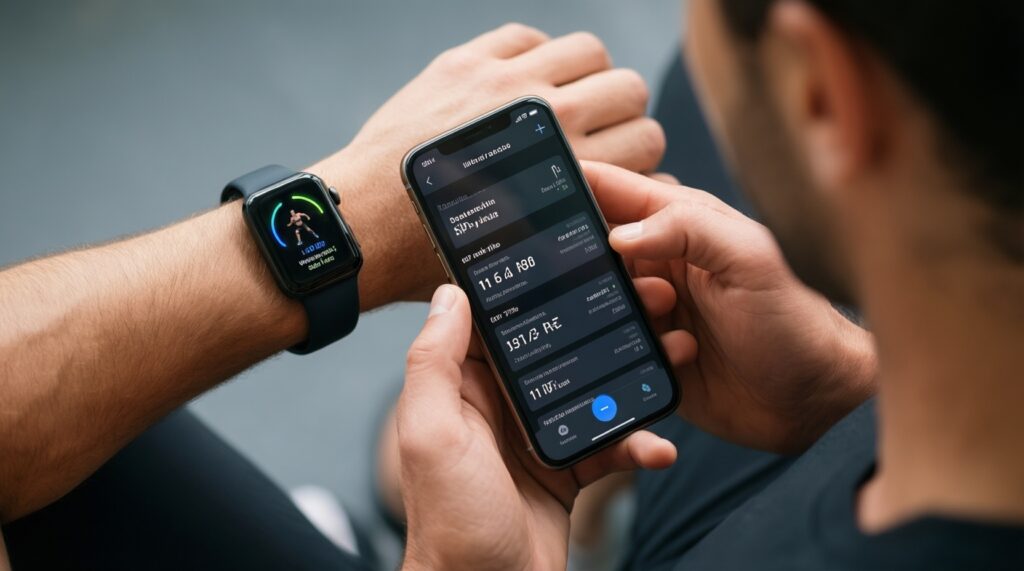
When people ask ซื้อสายรัดข้อมือออกกำลังกาย รุ่นไหนดี, the hidden issue is usually the app ecosystem: accuracy is only useful if the data is readable, exportable, and stable on your phone. Prioritize reliable syncing, clear workout summaries, and the sensors that support your goals.
Alternatives that may fit better
- Phone + chest strap (best for HR accuracy during intervals): ideal if you already carry your phone and want more reliable HR than wrist optical sensors during fast changes.
- Basic band without GPS (best value): suitable if you mainly train indoors or don't care about route maps and can use phone GPS occasionally.
- Sports watch instead of a slim band (best for control and outdoor training): choose this if you need stronger GPS features, better buttons, and more robust workout tools.
- Ring + app (best for comfort): consider if sleep tracking comfort matters more than workout controls and screen-based interaction.
- Confirm your phone OS version is supported and syncing is stable (check recent app reviews).
- Ensure the metrics you care about are actually shown (pace, splits, laps, HR zones, sleep stages).
- Check for data export options if you want long-term tracking across platforms.
Common purchase doubts addressed
Do I need built-in GPS or is phone GPS enough?
Phone GPS is enough if you always carry your phone and only need distance/pace. Built-in GPS is worth it if you train phone-free or want more consistent route tracking.
Is IP68 the same as 5 ATM for swimming?
No. IP68 indicates resistance to dust and water ingress under specific test conditions, while 5 ATM is commonly positioned for swimming-level pressure tolerance. For pool swimming, prioritize 5 ATM unless the manufacturer explicitly supports swimming at IP68.
How many sport modes are actually useful?
Useful modes are the ones you will use weekly and that change tracking (splits, laps, intervals). A smaller set of well-implemented modes beats dozens of labels.
Will wrist heart-rate be accurate for HIIT and weight training?
Optical wrist HR can lag during rapid intensity changes and with gripping movements. If HR accuracy is critical for intervals, consider pairing a chest strap or choosing a device with strong HR performance reviews for HIIT.
Can I press buttons underwater?
Only if the manufacturer says it's allowed. Some devices advise against pressing buttons underwater to protect seals, even if the rating is 5 ATM or higher.
What should I prioritize for "durable and battery long-lasting" use?
Prioritize a protective screen design, secure strap lugs, and settings control (AOD/GPS/notifications). Battery endurance depends as much on your settings as on the hardware.