
To test the real battery life of a smartband from AliExpress with every feature enabled, you need a controlled profile (AOD/high brightness, continuous HR/SpO2 checks, notifications, Bluetooth), consistent logging, and a safe charging routine. Expect results to vary by firmware, sensor quality, temperature, and unit-to-unit batches, so report both runtime and a confidence range.
Battery test summary and quick findings
- Use two repeatable profiles: a "max features ON" stress profile and a "typical daily" profile, then compare drain per hour.
- Log battery % at fixed intervals (same cadence every day) and note screen-on events to avoid misleading spikes.
- Record firmware/app versions; a firmware update can change sensor sampling and Bluetooth behavior overnight.
- Measure charging input and time; abnormal heat, swelling, or unstable charging is a stop condition.
- Report runtime as a range (best/worst run) to reflect batch variance common with สายรัดข้อมืออัจฉริยะ AliExpress.
Test setup: selected AliExpress smartbands, firmware versions and measurement tools
This method fits intermediate users who want a defensible "สมาร์ทแบนด์ AliExpress รีวิว" based on repeatable measurements, not impressions. It's appropriate when you want to answer "สมาร์ทแบนด์ แบตอึด อยู่ได้กี่วัน" under a clearly defined usage profile.
Skip this test if your band shows swelling, the strap area feels unusually hot during charging, the display lifts, the battery drains from 100% to 0% in minutes, or the unit is not water-tight anymore after impact. Also avoid long stress tests if you rely on the band for health reminders-testing can reduce reliability temporarily due to repeated deep discharges.
Tools and methods (choose what you can measure reliably)
| Tool / method | What it measures | Pros | Limitations / risk |
|---|---|---|---|
| Phone + companion app (battery %, firmware version) | Battery percentage trend and disconnections | No extra hardware; matches daily reality | % is coarse and sometimes non-linear; app updates can change reporting |
| USB power meter (inline) during charging | Charging current/voltage, approximate mAh in | Helps spot abnormal charging, weak cables, bad contacts | mAh "in" is not equal to battery capacity; conversion losses; must not force non-standard voltages |
| Stopwatch + fixed logging schedule | Hours to reach key thresholds (80/50/20/0%) | Simple, repeatable, audit-friendly | Requires discipline; screen wake events can bias results |
| Ambient thermometer (optional) | Temperature context | Explains day-to-day variance | Not essential, but useful in Thailand's heat |
Controlled protocol: usage profiles, logging cadence and environmental conditions
You'll need:
- One smartband (or several if you compare units) and the same phone for all runs.
- Companion app installed; note app version, band firmware version, and phone OS version.
- A consistent charging setup: the same USB charger (5V), the same cable, and a stable power source.
- A logging sheet (notes app/spreadsheet) with timestamp, battery %, key settings, and any unusual events.
Define two test profiles (write them down exactly)
- Profile A: Max features ON (stress test). Brightness high, Raise-to-wake ON, frequent notifications, continuous/automatic heart-rate, SpO2 tracking if available, continuous Bluetooth connection, and any always-on display option if your band supports it.
- Profile B: Typical daily. Moderate brightness, normal notifications, periodic heart-rate, SpO2 only on-demand, and screen wakes limited to natural use.
Environmental controls (Thailand-specific practicality)
- Keep tests out of direct sun (dashboards, balconies). Heat accelerates drain and can trigger thermal throttling.
- Avoid water exposure during the test; wet skin can cause extra touch wakes and sensor retries.
- Try to keep a similar routine (sleep schedule, workout duration) across runs to reduce noise.
Feature-by-feature drain: display, sensors, Bluetooth and notification impact
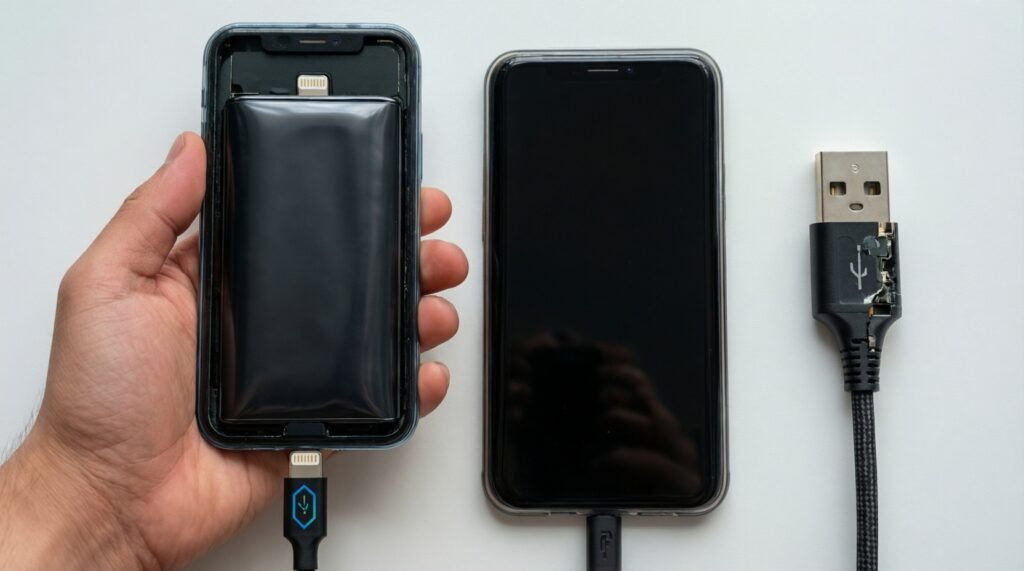
- Do not use fast/unknown chargers, "voltage boost" adapters, or damaged magnetic cables.
- Stop immediately if you detect swelling, persistent hot charging, chemical smell, or screen separation.
- Do not deliberately deep-discharge repeatedly; limit full 0% runs to the minimum needed for measurement.
- Do not wear the band while charging; avoid skin contact with charging pins.
-
Baseline the device (one clean starting point)
Charge to 100% using the same charger/cable each time, then leave it on the charger for an extra 20-30 minutes if the device normally "tops off." Record firmware/app versions and confirm the band is stable (no reboots, no random disconnects).
- Note if the band reports 100% quickly (could indicate coarse % mapping).
- If you use a USB meter, record peak current and when it tapers.
-
Lock in Profile A: "everything ON" configuration
Enable the features you care about and write them down. This is where you validate the scenario implied by "สายรัดข้อมืออัจฉริยะ วัดชีพจร วัดออกซิเจนในเลือด" under constant use.
- Display: high brightness, longer screen timeout, AOD if available.
- Sensors: automatic HR at highest frequency, SpO2 auto/continuous if offered, stress/sleep tracking ON.
- Connectivity: Bluetooth ON, phone nearby, all desired apps allowed to push notifications.
-
Start the runtime clock and standardize your logging cadence
Start a timer at 100% and log battery % at fixed intervals (for example every 2-4 hours) plus one log before sleep and after waking. Add notes for any unusual events (long calls, firmware prompts, app crashes).
- Keep the phone in a similar distance range to avoid Bluetooth reconnection loops.
- Do not "check the time" obsessively-extra screen wakes increase drain.
-
Isolate one feature at a time (A/B toggles)
After you finish one full run, repeat the test but toggle only one category (e.g., disable AOD, then repeat; disable SpO2 auto, then repeat). Compare average drain per hour, not just total days.
- Display tests: AOD ON vs OFF, brightness high vs medium.
- Sensor tests: HR continuous vs periodic; SpO2 auto vs on-demand.
- Notification tests: "all apps" vs "messaging only" to quantify vibration/screen wake cost.
-
Finish safely and capture the end-of-run details
Stop at 10-20% if your goal is comparison, then recharge. Only run to 0% when you need a clear "hours-to-empty" number, and do it once per profile to limit stress.
- Record the time at 80/50/20/10% thresholds-these checkpoints help identify non-linear % mapping.
- If the band shuts down early (e.g., at 15%), note it as "early cutoff," not true 0%.
Real-world endurance: multi-day runtime, variance analysis and comparison table
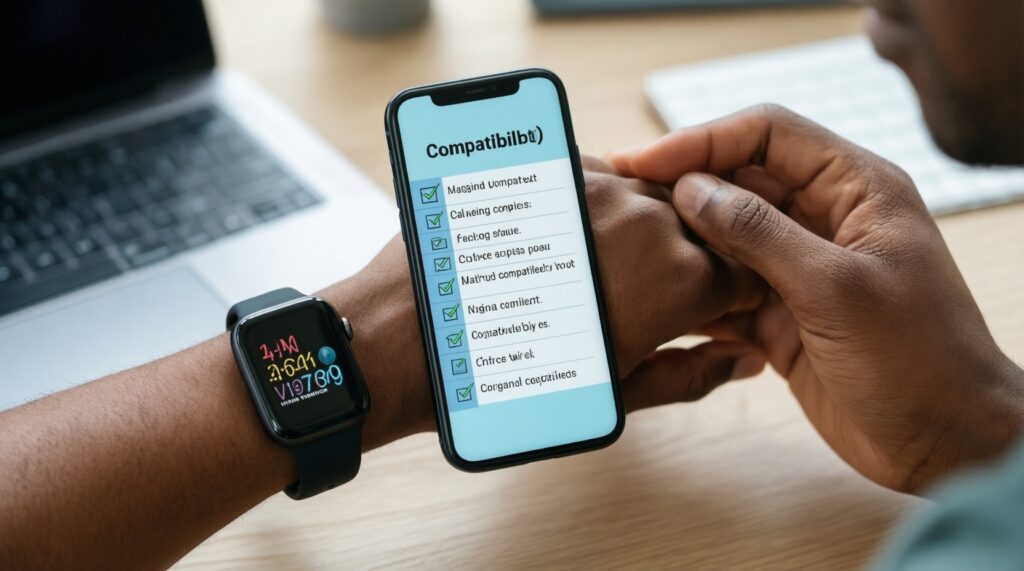
Use this checklist to validate that your results are comparable and publishable (especially if you plan to advise someone who wants to ซื้อสายรัดข้อมืออัจฉริยะ ราคาถูก but still expects predictable runtime):
- Same phone, same OS version, same companion app version across runs.
- Same band firmware version (or explicitly labeled if different).
- Same charger and cable; no "quick top-ups" mid-run unless documented.
- Logging cadence consistent (same interval windows each day).
- Ambient conditions noted (hot day, air-conditioned office, outdoor workout).
- Bluetooth stability checked (frequent reconnects can dominate drain).
- Screen wake behavior comparable (AOD/raise-to-wake and user interactions).
- Workouts and GPS usage handled consistently (many bands depend on phone GPS, still increases activity and notifications).
Results table template (fill with your own measurements)
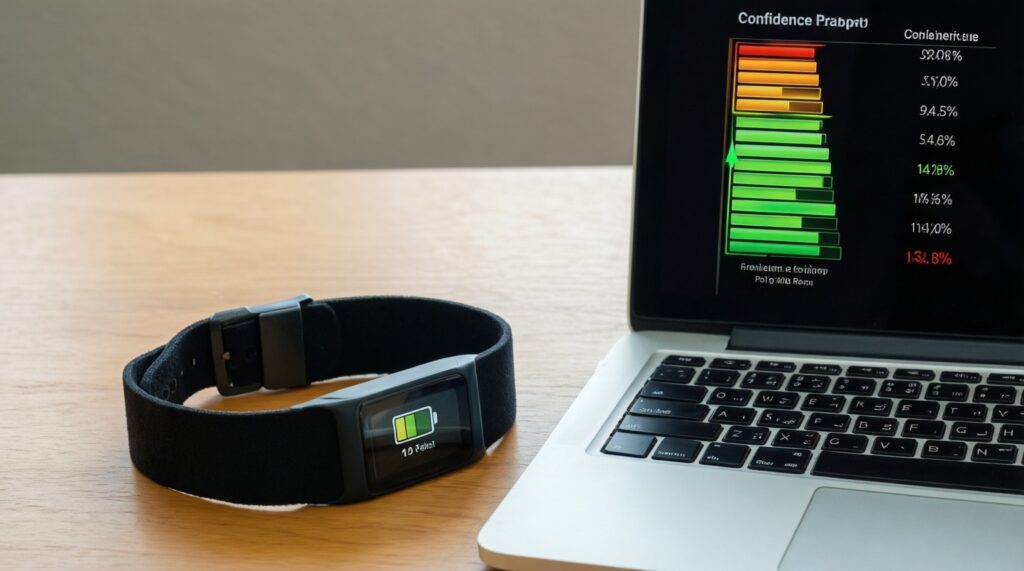
Use a range for confidence (best/worst repeat). If you can't repeat, label it as "single run" rather than pretending precision.
| Band model / listing | Firmware | Test profile | Runtime (hours or days) | Avg drain (%/hour) | Confidence range | Notes (conditions/quirks) |
|---|---|---|---|---|---|---|
| Your AliExpress band #1 | e.g., vX.Y.Z | Profile A: max features ON | Fill in from your log | Compute: (start%-end%)/hours | Best/worst of repeats or "single run" | Heat, reconnects, AOD, SpO2 mode |
| Your AliExpress band #1 | e.g., vX.Y.Z | Profile B: typical daily | Fill in from your log | Compute from your log | Best/worst of repeats or "single run" | Notification volume, workouts |
Charging behavior and battery health: charge curves, calibration and degradation signs
- Mistake: mixing chargers/cables across runs. Different cables change resistance and charging stability; keep one set for all tests.
- Mistake: assuming "mAh from USB meter" equals battery capacity. It measures input energy, not stored capacity; losses and tapering matter.
- Mistake: repeatedly draining to 0% to "calibrate." Occasional full cycles can help the percentage gauge, but frequent deep discharges accelerate wear.
- Mistake: testing immediately after a firmware update. Let the band settle for a day; some devices rebuild indexes or adjust sensor schedules.
- Mistake: ignoring temperature. High ambient heat can increase drain and degrade the cell faster; log "hot day" vs "AC office."
- Mistake: charging on soft surfaces. Beds/sofas trap heat; charge on a hard, ventilated surface.
- Warning sign: sudden drops (e.g., 60% to 20% quickly). Often indicates poor % mapping, aging cell, or sensor/connection loops; confirm with a second run.
- Warning sign: charging never reaches stable 100% or drops immediately after unplugging. Can indicate cell aging, poor contacts, or firmware reporting issues.
Safety, authenticity and post-purchase risk management for imported bands
These options are often safer or more cost-effective than pushing a questionable battery through repeated stress tests:
- Use Profile B for decision-making, not repeated Profile A. If your goal is a practical purchase decision, one stress run plus a typical run is enough; the stress profile is mainly diagnostic.
- Buy a second unit from a different listing/batch for verification. Batch variance is common; if two units behave similarly, your conclusions are stronger.
- Prioritize listings with clear return terms and local delivery handling. For imported devices, the best "battery protection" is a realistic dispute/return plan if capacity is far below expectations.
- Stop using and isolate the band if the battery shows physical failure signs. Store in a non-flammable area and pursue refund/return; do not puncture, compress, or continue charging.
Practical clarifications and troubleshooting tips
Why does my AliExpress smartband lose battery faster after enabling SpO2?
SpO2 measurement uses optical LEDs and more processing, so auto/continuous modes add steady drain. Test on-demand SpO2 versus automatic checks to quantify the difference.
Can I compare two bands if their battery percentage scales look different?
Yes-use average drain (%/hour) across the same time window and record checkpoint times (80/50/20%). If possible, repeat once to establish a range.
My band reaches 100% quickly-does that mean the battery is small?
Not necessarily. Many bands report 100% early due to coarse calibration; confirm by tracking how long it stays at 100% and how linear the next 10-20% drop is.
What's the safest way to do a "0% to 100%" run?
Do it at most occasionally, on a hard surface, with a known 5V charger and an intact cable. Stop if it gets abnormally hot or behaves erratically.
How do notifications change runtime in real use?
Notifications trigger Bluetooth traffic, vibration, and screen wakes. Reduce the app list and compare drain to see the real cost for your usage.
What should I do if the battery swells or the screen lifts?
Stop using and charging immediately, isolate it away from flammable materials, and start a return/refund process. Do not press the screen down or attempt DIY puncture/removal.